- An image file name is the name of the image file (like blue-running-shoes.webp) and it is a real SEO signal.
- Yes, image file names affect SEO: Google reads them to help understand and rank an image.
- Use descriptive, hyphen-separated keywords, keep names short (under about five words), and avoid underscores, spaces, special characters and uppercase.
- Descriptive file names also help AI and visual search confirm what an image shows.
Image file name SEO is the practice of naming your image files descriptively so search engines can understand what each image shows. A good name like blue-running-shoes.webp tells Google far more than IMG_4821.jpg, and yes, the file name is a genuine (if modest) ranking and discovery signal.
This is the file-naming guide in our image SEO hub. It covers what an image file name is, whether it actually matters, how to name images the right way, good and bad examples, and how to rename existing files in WordPress. File names work alongside alt text and the right format, so we link to those where they fit.
What is an image file name?
An image file name is the actual name of the image file, including its extension, for example golden-retriever-puppy.webp. It becomes part of the image's URL (its img src) when the image is uploaded, so it is visible to crawlers and forms part of how the image is referenced across the web.
It is one of three separate image signals that people often confuse: the file name (in the URL), the alt text (in the HTML, for screen readers and search), and the caption (visible text near the image). Each does a different job; this guide is about the file name.
Do image file names matter for SEO?
Yes, image file names matter for SEO. Google states that the file name gives it clues about the subject of an image, and because the name ends up in the image URL it is a lasting signal. It will not single-handedly rank a page, but a descriptive file name helps Google index the image correctly for Google Images and visual search, while a name like DSC_0093.jpg tells Google nothing.
How search engines use image file names
Search engines combine the file name with the alt text and the surrounding page content to understand and index an image. A descriptive, keyword-relevant file name reinforces the other signals and improves the odds your image appears in Google Image Search for the right queries. Inconsistent or generic names force Google to rely on guesswork.
How to name images for SEO (the rules)
Naming images for SEO comes down to a handful of simple, consistent rules. Apply them before you upload:
- Describe the image with relevant words, not a camera default.
- Separate words with hyphens.
- Keep it short, ideally five words or fewer.
- Use lowercase only and avoid special characters.
- End with the correct file extension for your format.
Use descriptive, relevant keywords (do not stuff)
Name the file for what the image actually shows, using one natural descriptive phrase: handmade-leather-wallet.webp. Include your focus keyword if it fits truthfully, but do not stuff: wallet-leather-wallet-buy-cheap-wallet.jpg looks spammy and helps no one. Accuracy and relevance beat keyword density.
Use hyphens, not underscores or spaces
Google treats hyphens as word separators but reads underscores as joiners, so red_summer_dress.jpg can be read as one word while red-summer-dress.jpg reads as three. Spaces are worse: they get converted to %20 in the URL and look messy. Always use hyphens between words.
Keep file names short (under about five words)
Aim for a short descriptive phrase of about five words or fewer. Long, over-detailed file names dilute the signal and create unwieldy URLs. Capture the essence: blue-trail-running-shoes.webp, not blue-trail-running-shoes-for-men-size-ten-on-sale.webp.
Avoid special characters and uppercase
Stick to lowercase letters, numbers and hyphens. Avoid spaces, underscores, ampersands, apostrophes, parentheses, accents and camelCase. Special characters can break or get encoded in URLs, and mixed casing causes inconsistency on case-sensitive servers. Lowercase-with-hyphens is the safe, portable convention.
Match the right file extension
End the name with the extension that matches the format you exported: .webp, .jpg, or .png. The extension and the format should agree. WebP is the recommended default in 2026; see our WebP and image formats guide for which to choose.
Good and bad image file name examples
| Bad file name | Good file name | Why |
|---|---|---|
| IMG_4821.jpg | blue-running-shoes.webp | Describes the subject instead of a camera default |
| red_summer_dress.jpg | red-summer-dress.webp | Hyphens separate words; underscores join them |
| DSC 0093 (1).png | handmade-leather-wallet.webp | No spaces, parentheses or special characters |
| BestCheapShoesBuyNow.jpg | trail-running-shoe.webp | No camelCase, no keyword stuffing, lowercase |
| product-image-final-v2.png | ceramic-coffee-mug-white.webp | Describes the product, not your file workflow |
File name vs alt text vs title
These three are easy to mix up, so here is the distinction. The file name lives in the image URL and gives Google a clue about the subject before it even loads the page. The alt text is read by screen readers and search engines to describe the image, and is the stronger of the two for accessibility and indexing. The title attribute shows as a hover tooltip and carries little SEO value.
Best practice is to set all three thoughtfully where relevant, but if you only have time for two, prioritize a descriptive file name and accurate alt text. The file extension also ties into your format choice.
How to rename existing images (WordPress and Search Console)
Renaming a file that is already live changes its URL, so do it carefully. The safe workflow:
- Rename the file on your computer first, before uploading, whenever possible; this is the cleanest approach.
- For files already in WordPress, use a plugin like Media File Renamer or Phoenix Media Rename to rename safely and update references.
- If a renamed image's URL changes, set a 301 redirect from the old URL to the new one so you do not lose any image equity.
- Re-add or update the alt text after renaming.
- Use Google Search Console to confirm the new image URLs are being crawled and indexed.
For a small site, it is often easier to rename only your most important images (products, hero shots) rather than the entire library.
Image file names in the age of AI search
Descriptive file names help AI and multimodal search too, an angle competitors ignore. When AI crawlers and models like ChatGPT, Perplexity, Gemini and Google AI Overviews process a page, the file name is one of the text signals they can read directly from the HTML to understand and disambiguate an image. A name like blue-trail-running-shoes.webp confirms the subject; IMG_4821.jpg gives the model nothing to work with.
This is the same logic behind all AI SEO: clear, descriptive signals make your content easy for AI to understand, trust and cite. File naming is a tiny habit with outsized payoff across both classic and AI search.
Bulk-audit and rename image files with DataWise
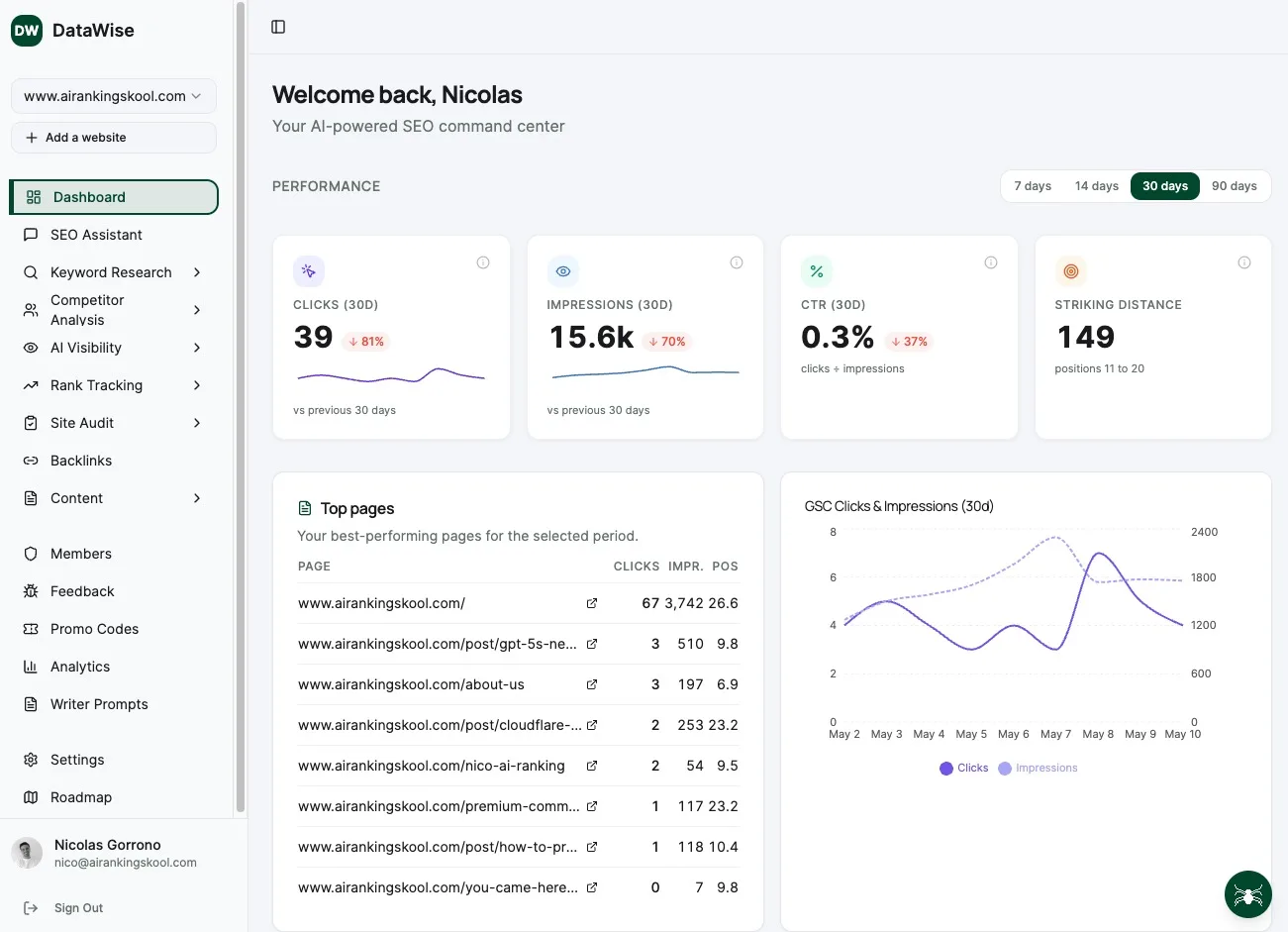
If your site is full of IMG_0001.jpg style names, fixing them by hand is slow. DataWise, our SEO tool that is free for AI Ranking members, crawls your site and flags non-descriptive file names alongside missing alt text and oversized images, so you can prioritize the worst offenders and the most important pages first.
Inside the community we walk through a real rename-and-redirect workflow together, so you clean up your image library without breaking links or losing rankings.
Learn Image SEO hands-on inside the community
Courses, live calls and DataWise to bulk-audit every image and missing alt tag on your site.