- An image sitemap is an XML file (or extension of your sitemap) that lists your site's image URLs so Google can discover and index them.
- It uses the image namespace with an
- Most sites do not strictly need one, but JavaScript-heavy, lazy-loaded or image-led sites benefit most.
- Only
An image sitemap is an XML file (or an extension added to your existing sitemap) that lists the image URLs on your site so search engines can discover and index images they might otherwise miss. It works like a standard XML sitemap, but with extra image-specific tags.
This is the sitemap guide in our image SEO hub. It explains what an image sitemap is, shows an annotated example, covers when you need one, and walks through creating, submitting and validating it. Image sitemaps work best alongside clean file names and optimized images, so we link to those where relevant.
What is an image sitemap?
An image sitemap is a way of listing your site's images inside an XML sitemap so Google can find and index them. For each page, it adds one or more <image:image> entries, each containing an <image:loc> tag that points to the image's URL. It uses Google's image sitemap namespace, http://www.google.com/schemas/sitemap-image/1.1.
Image sitemap vs a standard XML sitemap
A standard XML sitemap lists your page URLs. An image sitemap extends that by also listing the images on each page, using the image namespace and the <image:loc> tag. You do not usually need a separate file: you add the image tags to your existing sitemap, or your SEO plugin generates a dedicated image sitemap automatically. The three common sitemap types are XML (pages), image and video sitemaps, and HTML sitemaps for human visitors.
Do you need an image sitemap?
Most small sites do not strictly need one, because Google can usually find images linked normally in your HTML. You benefit most if your images are loaded by JavaScript, lazy-loaded, served from a separate CDN domain, or central to your business (a photography portfolio, e-commerce catalog, recipe or stock site). In those cases an image sitemap is the most reliable way to make sure every image gets discovered.
Image sitemaps for AI and visual search
Here is the angle most guides skip. Helping search engines discover all your images matters more as visual and AI search grow. Google AI Overviews, Google Lens and multimodal models increasingly surface images, and Discover and visual search depend on Google having indexed them in the first place. An image sitemap is a low-cost way to make sure your images are in the index so they are available to be surfaced and cited. It is a small but real part of AI SEO.
What an image sitemap looks like
An image sitemap is plain XML. Each <url> block represents a page, and inside it each <image:image> block lists one image on that page. Here is an annotated example:
    https://example.com/products/running-shoes/

      https://example.com/img/blue-running-shoes.webp


      https://example.com/img/running-shoes-sole.webp
Required vs deprecated tags
Today only <image:loc> (the image URL) is supported, inside an <image:image> wrapper. Google has deprecated the older <image:caption>, <image:title>, <image:geo_location> and <image:license> tags, so do not bother adding them; provide captions, titles and license info on the page itself or via structured data instead.
How to create an image sitemap
Manually (hand-coded XML)
For a small or static site, you can write the XML by hand using the structure above: declare the image namespace, then add an <image:image> and <image:loc> for each image under its page. Save it as image-sitemap.xml and upload it to your root. This is precise but tedious to maintain as the site grows.
Automatically (generators and free tools)
Most sites should generate it automatically. An image sitemap generator or crawler (including free options) can scan your site and output the XML, and tools like Screaming Frog or Netpeak Spider can export an image sitemap. Auto-generation keeps the sitemap fresh as you add images, which manual editing rarely manages.
WordPress (Yoast, Rank Math)
On WordPress you usually do not lift a finger. Yoast SEO and Rank Math automatically include images in your XML sitemap, adding the <image:loc> tags for images found in your content. Make sure the feature is enabled in the plugin's sitemap settings and your images will be covered.
Shopify
Shopify automatically generates a sitemap that includes product and content images, available at /sitemap.xml. You generally cannot hand-edit it, but you rarely need to: clean, descriptive image file names and proper alt text do the heavy lifting on Shopify.
Submit, validate and maintain your image sitemap
Submit to Google Search Console
Submit your sitemap in Google Search Console under Sitemaps: enter the sitemap URL (for example /sitemap.xml or /image-sitemap.xml) and click Submit. You can also reference your sitemap in robots.txt with a Sitemap: line so crawlers find it on their own.
Validate and check it
After submitting, use the Search Console Sitemaps and Pages reports, plus an XML sitemap validator, to confirm the file parses, every <image:loc> URL resolves, and your images are being indexed. Broken or 404 image URLs in the sitemap waste crawl budget and defeat the purpose.
Keep it fresh
An image sitemap is only useful if it stays current. If you auto-generate it, this happens for you; if you maintain it by hand, update it whenever you add or remove significant images. Recrawl and revalidate periodically so the sitemap reflects the live site.
Common image sitemap mistakes
- Forgetting to declare the image namespace, which makes the image tags invalid.
- Listing image URLs that 404 or redirect.
- Adding deprecated tags (caption, title, geo_location, license) that Google ignores.
- Letting a hand-maintained sitemap go stale after a redesign.
- Blocking images in
robots.txtwhile also listing them in the sitemap. - Treating the sitemap as a substitute for compression and alt text; it aids discovery, not quality.
An image sitemap only points to images; it does not improve them. Pair it with optimized, compressed images and accurate alt text for the full effect.
Audit image discovery with DataWise
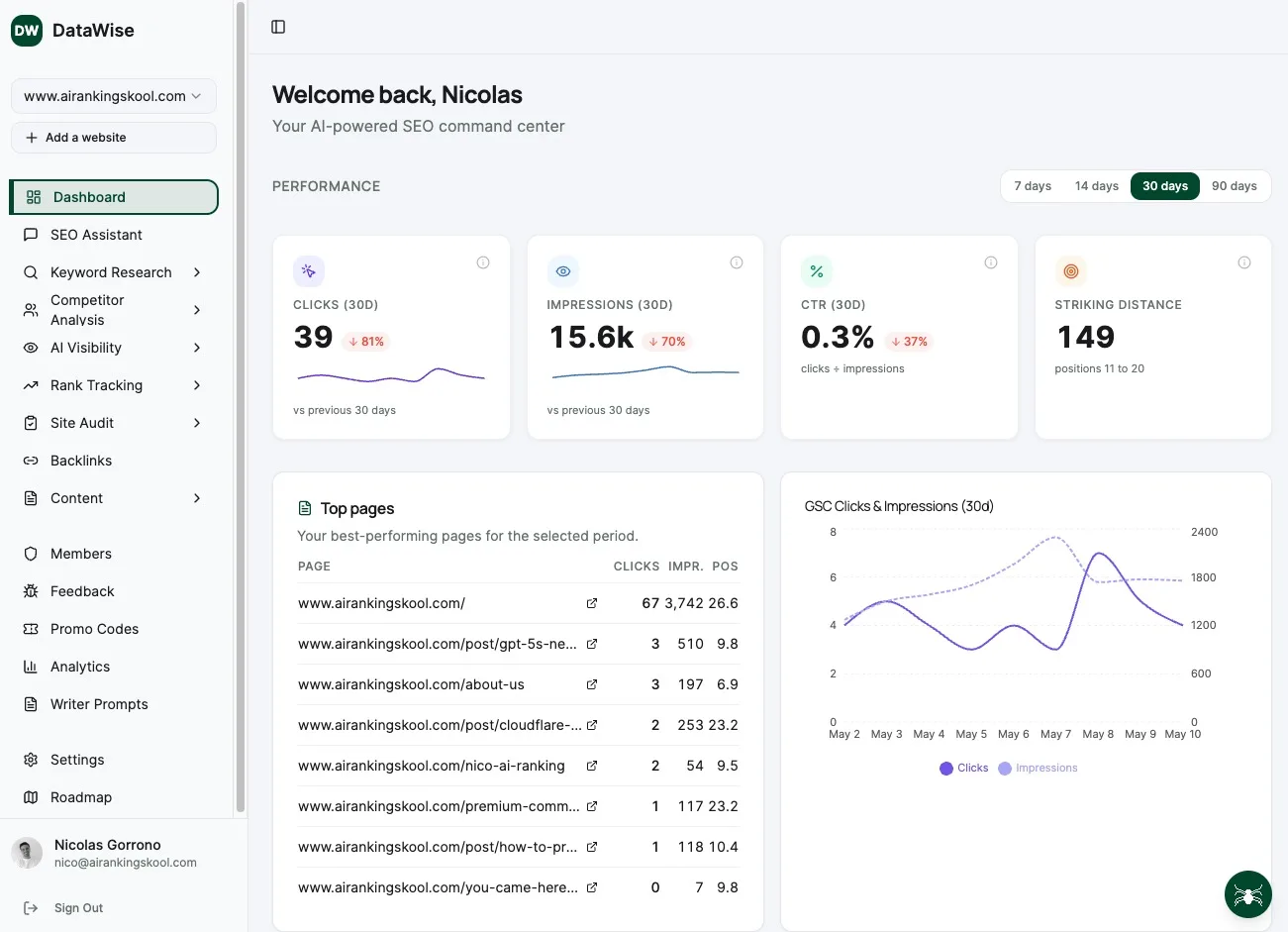
Knowing which images Google has actually found and indexed is hard to eyeball. DataWise, our SEO tool that is free for AI Ranking members, crawls your site, lists every image it discovers, and flags ones that are missing from your sitemap, blocked, or returning errors, so you can see the gaps an image sitemap should close.
Inside the community we walk through generating, submitting and validating image sitemaps together, and pair them with the rest of the image SEO playbook.
Learn Image SEO hands-on inside the community
Courses, live calls and DataWise to bulk-audit every image and missing alt tag on your site.