- Keyword research has five core steps: seed topics, expand the list, mine competitors, match intent, then prioritize and cluster.
- You can do solid keyword research for free with Google Keyword Planner, Search Console, Trends and autocomplete.
- AI tools like ChatGPT speed up ideas and clustering, but you must validate their suggestions with real volume and difficulty data.
To do keyword research, start with seed topics you know, expand them into a full list using keyword tools and Google sources, classify each keyword by search intent, then prioritize and cluster the keywords before mapping them to pages. That five-step process is how you turn a blank page into a ranked content plan, and it works whether you have a paid tool or only free ones.
This is the hands-on walkthrough from our keyword research hub. We cover the full process step by step, the metrics that matter, how to prioritize, and how to research for AI search engines like ChatGPT, Perplexity and Google AI Overviews, which most guides ignore.
What is keyword research (and why it still matters in 2026)?
Keyword research is the process of discovering the terms and questions people search for, then choosing which ones to target based on volume, difficulty and intent. It still matters in 2026 because AI search engines pull their answers from pages that clearly address specific questions, so finding those questions first is more valuable, not less.
The deliverable is a prioritized list of keywords, each mapped to a page with a clear intent. Everything below is how you produce that list. Keyword stuffing and keyword density are not part of it; those are outdated tactics that hurt rather than help.
Step 1: Start with seed topics you know
Begin with seed keywords: the core topics, products and problems your business already understands. Write down 5 to 10 broad terms a customer might search. These seeds are the input for every tool and source in the next steps, so think about the language your audience uses, not internal jargon.
Step 2: Expand your list (free tools + Google sources)
Now turn each seed into dozens or hundreds of real keywords. You can do this entirely for free.
Google Keyword Planner, Search Console and Trends (free)
Google Keyword Planner gives volume ranges and related terms (free with a Google Ads account). Google Search Console shows the exact queries you already get impressions and clicks for, often your fastest wins. Google Trends shows whether a topic is rising, falling or seasonal. AnswerThePublic visualizes the questions around a seed.
Autocomplete, People Also Ask and related searches
Google itself is a free keyword tool. Type a seed and read the autocomplete suggestions. Note the People Also Ask questions and the "searches related to" block at the bottom of the results. These reveal the long-tail phrasing and questions real users have. Pull the same trick on YouTube, Amazon, Reddit and Wikipedia for niche language.
Most of the keywords you uncover here will be long-tail: specific, lower-competition phrases that are easier to rank for. For a newer site they are usually the best place to start, since each one is more winnable and the searcher's intent is clearer.
Step 3: Mine competitor keywords (gap analysis)
Your competitors have already done research you can borrow. Use a tool like Ahrefs, Semrush, Mangools or DataWise to see the keywords your competitors rank for, then run a keyword gap analysis to find terms they rank for and you do not. Those gaps are your fastest opportunities, because demand and content type are already proven.
Step 4: Match search intent
For each keyword, identify the search intent: informational, navigational, commercial or transactional. Intent decides what kind of page you need. Targeting a transactional keyword with a blog post (or an informational one with a product page) will not rank, because it does not match what searchers expect. The reliable way to classify intent is to read the SERP: look at the kind of pages Google already ranks for that query (guides, product pages, comparisons) and match that format.
The keyword metrics that matter
Search volume, keyword difficulty and long-tail
Three numbers drive most decisions. Search volume is the estimated monthly searches: bigger is not always better, since it brings tougher competition. Keyword difficulty (KD) estimates how hard it is to rank, based largely on the strength of pages already ranking. Cost per click hints at commercial value. Read difficulty alongside intent and your own site authority, and lean on long-tail keywords when your KD ceiling is low.
How to prioritize and cluster keywords
Prioritize with the 80/20 rule and business potential
You cannot target everything, so prioritize. The 80/20 rule in SEO means a small share of your keywords will drive most of your results, so focus there first. Score each keyword on volume, difficulty, intent and business potential (how likely the searcher is to become a customer). High business value plus low difficulty wins first.
Group keywords into topic clusters
Group keywords that share intent into clusters, then build one strong page per cluster, linked under a pillar page. This content-hub model builds topical authority and prevents your own pages from competing. You can do the clustering with AI in minutes: see our AI keyword research guide.
Keyword research for AI search and GEO
How to research for AI Overviews, ChatGPT and Perplexity
Researching for AI search means shifting from single keywords to questions and entities. AI engines break a query into many sub-questions (query fan-out) and build an answer from pages that cover each clearly. So collect the full question set around a topic, list the entities and concepts a good answer should mention, and write pages that answer each question directly in the first sentence. This question-and-entity research is the core of AI SEO.
Using ChatGPT and AI to assist (and where it fails)
ChatGPT is great for brainstorming seeds, expanding them into question lists and clustering by intent. Where it fails is data: out of the box it does not know real search volume or difficulty and will invent numbers. Use AI for ideas and structure, then validate with a real keyword tool. The full prompt-driven workflow lives in AI keyword research.
Give ChatGPT real SEO data (custom GPT + DataForSEO)
You can close that data gap. Build a custom GPT with custom actions that call a real SEO data API (DataForSEO is the popular choice: pay-as-you-go, with free starter credit), and ChatGPT stops guessing and starts pulling live search volume, keyword difficulty, competitor rankings and keyword-gap data on demand. You paste the API's public action schema into the GPT and add your login as a base64-encoded key, then it can run competitor analysis, gap reports and keyword research without you opening Ahrefs or Semrush. Even better, you can @-mention that custom GPT inside a normal ChatGPT chat to verify volumes and competition while you draft. The full step-by-step setup is in our AI keyword research guide.
Research the problem, not just the keyword
Here is the most important update to how keyword research works for AI search: stop asking only what people type, and start asking what problem they are trying to solve.
Microsoft and others have made the point that AI search reads for meaning and intent, so one keyword can hide several different problems. "Traffic to your website" could mean how do I get traffic, how do I check my traffic, or how do I get my first 100 visitors: three different concepts that deserve three different pages. Traditional research just tells you the keyword is hard; it does not tell you the concepts hiding inside it.
Map a keyword into its concepts (free)
A fast way to surface those hidden concepts: AnswerSocrates has a free People Also Ask extractor that turns one keyword into a flowchart of concepts, each with the real questions underneath it, so you see the topics to own rather than a single difficulty score. Google's own People Also Ask and "related searches" boxes do a lighter version of the same thing for free.
Let AI pick the concept worth writing
Export the concept map (CSV or PNG) and hand it to ChatGPT or Claude along with your main topic, then ask it to group the questions into concepts, label the intent behind each, and recommend the strongest one to write about. Have a back-and-forth, pushing it to test a different concept as the main angle. You end up with a clear brief (for example, "a beginner's guide to checking and understanding your website traffic") that answers a whole concept and positions you as the topical authority AI engines cite.
Keep this work in a ChatGPT or Claude Project loaded with your business context: what you sell, who you serve, and your locations. Drop your keyword data from DataForSEO or DataWise into the same project, and the AI filters the list down to the concepts that actually fit your business instead of generic suggestions. The full AI-assisted workflow, including connecting DataForSEO directly, is in our AI keyword research guide.
DataWise and the best keyword research tools
You can do real keyword research for free, but a tool saves hours. Here is how the common options compare:
| Tool | Cost | Best for |
|---|---|---|
| Google Keyword Planner | Free | Volume ranges, ad-driven research |
| Google Search Console | Free | Queries you already rank for |
| Ahrefs / Semrush | Paid | Deep competitor and difficulty data |
| DataWise | Free for members | AI clustering, intent tagging, AI-Overview scoring |
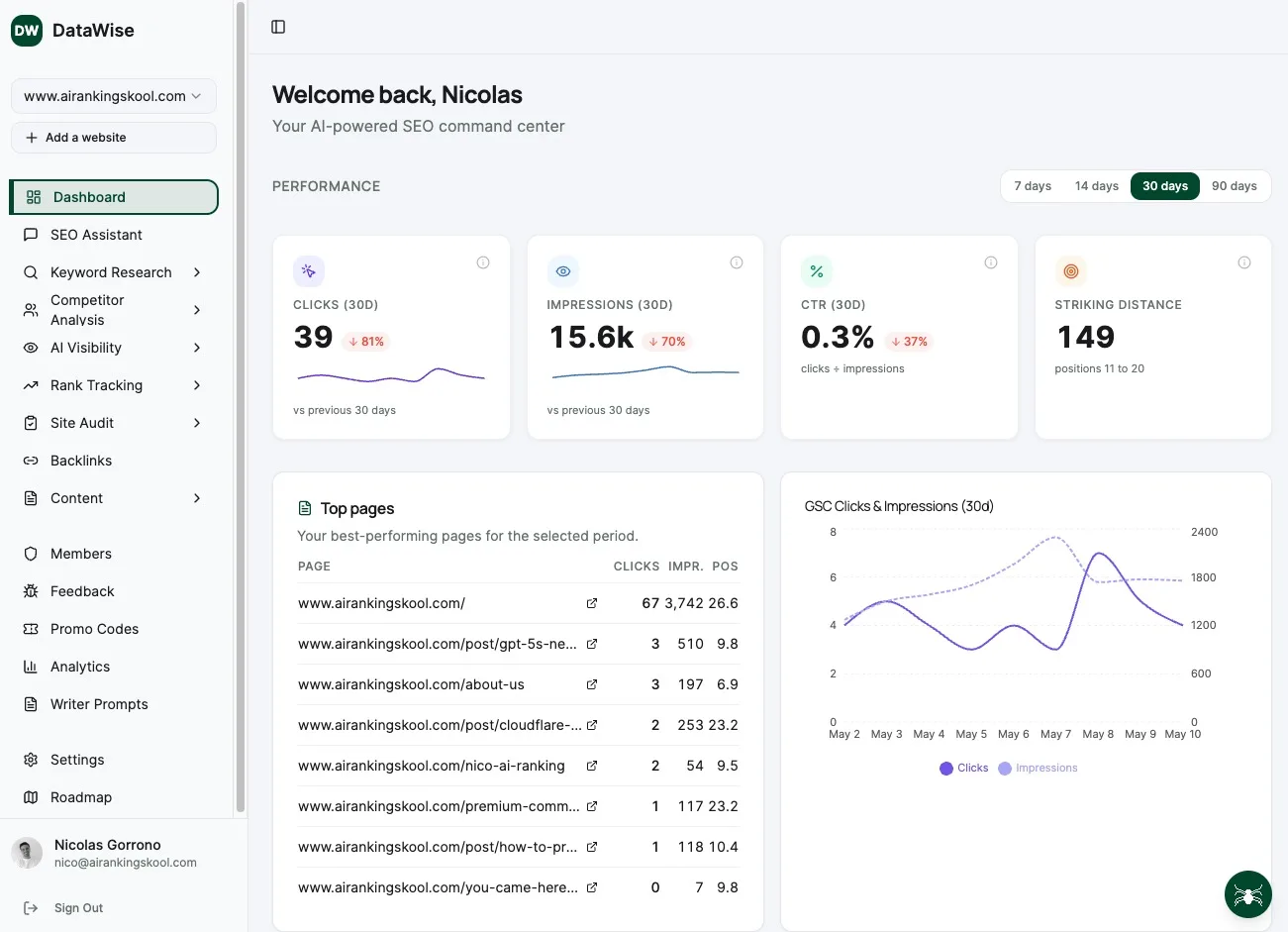
AI Ranking members use DataWise to run all five steps in one place, with live data plus AI clustering and AI-Overview opportunity scoring. We teach the full workflow inside the community.
Learn Keyword Research hands-on inside the community
Courses, live calls and DataWise to pull volume, difficulty and clusters without juggling five tools.