- You can do an SEO audit yourself, for free, with Google Search Console, GA4, PageSpeed Insights and Screaming Frog.
- Work eight steps in order: crawl, indexing, on-page, Core Web Vitals, content, internal links, backlinks, then AI search.
- Finish by prioritizing fixes with the 80/20 rule: ship the few changes that drive most of the gain first.
- The differentiator: step 8 audits whether ChatGPT, Perplexity and AI Overviews can crawl and cite your site.
To do an SEO audit, crawl your site for errors, check that your pages are indexed, audit on-page and technical signals, review content and backlinks, then prioritize the fixes by impact. You can do all of it yourself, for free, and this guide walks through each step in plain English.
This is the actionable how-to under our complete SEO audit guide. It works for an SEO audit of your website whether you are a beginner or experienced. Keep the SEO audit checklist open as you go, and pick tools from the SEO audit tools comparison.
What is an SEO audit?
An SEO audit is a structured review of your website that finds the issues hurting your search visibility and turns them into a prioritized list of fixes. It covers three areas: technical (can search engines crawl and index you), on-page (do your pages target and answer the right queries), and off-page (is your site trusted).
When to run an SEO audit
- After launching a new site or section
- After a migration, redesign or CMS change (the top cause of traffic loss)
- After a sudden traffic drop or a Google algorithm update
- On a regular cadence: a light audit each quarter
The 3 areas every audit covers
Technical, on-page and off-page SEO. Some people call these the 3 C's: Code (technical), Content (on-page) and Credibility (off-page authority). Whatever you call them, a complete audit touches all three, plus the newer AI-search layer in step 8.
Before you start: tools and access you need
You can run a complete audit with free tools. Set these up before you begin:
- Google Search Console: verify your site to see indexing, queries and Core Web Vitals.
- Google Analytics 4: connect it for traffic and conversion data.
- A crawler: Screaming Frog (free up to 500 URLs) to scan the whole site.
- PageSpeed Insights / Lighthouse: for performance, no setup needed.
Everything in this guide can be done with free tools. You only need a paid suite (Ahrefs, Semrush) once you want scheduled audits and deeper backlink data. See the tools guide for the full free stack.
How to do an SEO audit step by step
Step 1: Crawl your site
Run Screaming Frog (or your audit tool) across your whole site to surface broken links, redirect chains, duplicate titles, missing metadata and error pages. This crawl is your map of everything that needs attention, and it mirrors how Googlebot sees your site.
Step 2: Check indexing, robots.txt and sitemap
Open the Pages report in Google Search Console to see which URLs are indexed and which are excluded, and why. Confirm robots.txt does not block important sections, your XML sitemap is submitted and current, and no key page carries an accidental noindex tag. Indexing problems make every other fix pointless, so resolve them first.
Step 3: Audit on-page elements
Check that every important page has a unique, descriptive title tag with its target keyword, a compelling meta description, one clear H1, and a logical H2/H3 heading structure. Confirm the content actually matches the search intent behind the query you want to rank for. Your crawl export makes spotting missing or duplicate titles and meta descriptions fast.
Step 4: Review Core Web Vitals and mobile
Run your key page templates through PageSpeed Insights and check the three Core Web Vitals: LCP (loading), INP (responsiveness) and CLS (visual stability). Use the Core Web Vitals report in Search Console for real-user field data, and confirm the site passes mobile-first indexing, since Google indexes the mobile version of your pages.
Step 5: Audit content quality, intent and cannibalization
Review your content for decay and overlap. Identify underperforming "zombie" pages with no traffic, thin pages that should be merged, and keyword cannibalization where two pages compete for the same query. Find content gaps (topics your audience searches that you have not covered) and topic clusters that need a stronger pillar page. This is a full content audit in miniature.
Step 6: Analyze internal linking and site architecture
Map how pages connect. Important pages should sit within a few clicks of the homepage, every page should have internal links pointing to it (no orphans), and anchor text should describe the destination. Strong internal linking spreads authority and signals your topic clusters to both Google and AI crawlers.
Step 7: Evaluate backlinks and authority
Review your backlink profile and referring domains for quality and relevance, compare your Domain Rating or Domain Authority against competitors, and flag any toxic links (disavow only if you see real spam or a manual action). For YMYL topics especially, check that your E-E-A-T signals (author bios, citations, credentials) are clear.
Step 8: Audit for AI search and LLM visibility
Finally, the step competitors skip: audit whether AI search engines can find and cite you. Confirm AI crawlers (GPTBot, ClaudeBot, PerplexityBot, Google-Extended) are allowed in robots.txt, that each page answers its core question in the first sentence or two, that structure and schema make content easy to extract, and that your topic is covered completely enough to win AI fan-out queries. This is generative engine optimization, covered fully in our AI SEO guide.
Turn your findings into an action plan
An audit is only useful if it ends in shipped fixes. Score every finding by impact versus effort and apply the 80/20 rule: a small number of changes (fixing indexation, recovering a decayed top page, improving a slow key template) usually drive most of the gain. Do those first.
Build the report and template
Capture findings in a simple SEO audit report: the issue, where it occurs, its priority, and the fix. A shared Google Sheet or a free SEO audit report PDF works fine; you do not need a 200-page document. Members get a ready-made SEO audit report template and checklist to drop their findings into. Then assign owners and due dates, and re-check after fixes land.
SEO audit tools and using AI in your workflow
The best SEO audit tools to start with are free: Search Console, GA4, PageSpeed Insights and Screaming Frog. Paid suites like Ahrefs and Semrush add scheduled audits and deeper data. For the full comparison, see the SEO audit tools guide.
Using AI in your audit workflow
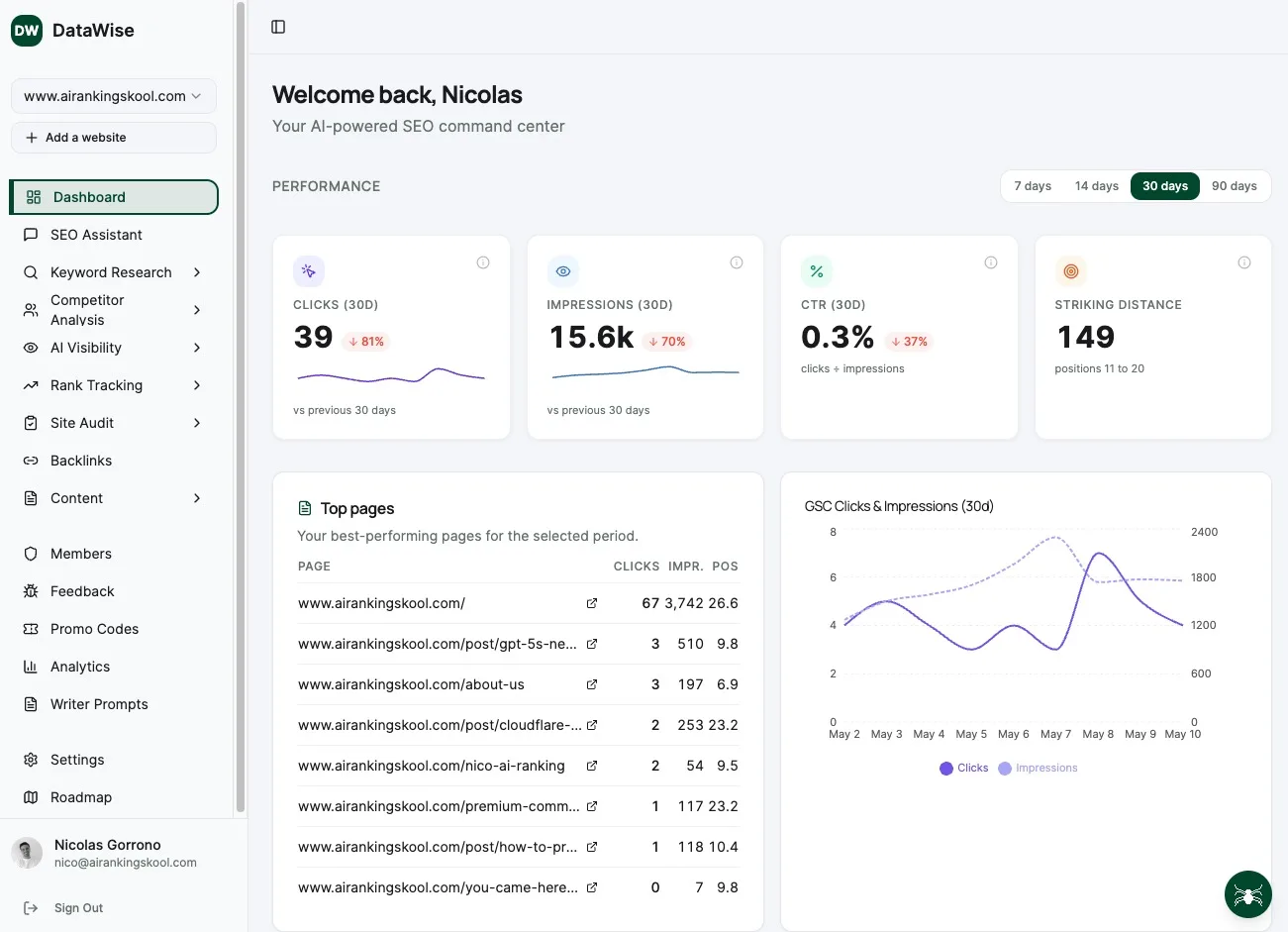
Yes, ChatGPT and other AI can help run an audit: cluster pages by topic, draft rewritten titles and meta descriptions, summarize crawl exports, and flag thin content for review. AI does not replace judgment, but it removes the grunt work. Members do this with DataWise, our SEO tool that runs the automated audit (classic plus AI-search) and returns a prioritized fix list. It is free for members.
Run your first audit with the community
Run your audit alongside other business owners, get DataWise free, and turn your findings into shipped fixes. Join AI Ranking.
Learn SEO Audits hands-on inside the community
Courses, live calls and DataWise to run a full automated audit and get a prioritized fix list.