- An SEO audit checklist is an ordered list of every check that confirms your site can be crawled, indexed, ranked and cited.
- These 50 checks cover six groups: crawl and index, technical, page speed, on-page, off-page, and AI search readiness.
- Each check is rated Critical, Important or Nice-to-have, so you fix in priority order instead of drowning in findings.
- Free tools cover the whole list: Search Console, PageSpeed Insights, Screaming Frog and the Rich Results Test.
- The AI search group (AI Overviews readiness, citable answers, llms.txt) is the step classic checklists leave out.
An SEO audit checklist is an ordered list of every check that confirms search engines can crawl, index, rank and cite your website. Working through it turns a vague "my SEO is off" feeling into a concrete, prioritized list of fixes.
Below are 50 checks for 2026, grouped into six areas and rated by severity so you know what to fix first. You can download the whole thing as a spreadsheet, free and without an email. It is the actionable companion to our SEO audit guide.
What is an SEO audit checklist?
An SEO audit checklist is an ordered list of every check that confirms search engines can crawl, index, rank and cite your website. It exists so nothing gets missed: an audit done from memory always skips something, while a checklist makes the work repeatable and complete.
The 50 checks below are grouped into six areas. Work them top to bottom, or jump to the group you need. Every one of them can be completed with free tools, and the whole list is downloadable as a spreadsheet with no signup.
How to use this checklist
Work it in order and rate every failure by severity, because an audit is only useful if it ends in shipped fixes. A list of 50 problems with no priority is just as paralysing as no list at all.
Every check below is tagged with one of three levels:
- Critical (13 checks): breaks your ability to rank at all. Fix these first, today.
- Important (25 checks): meaningfully holds you back. Fix these in the next sprint.
- Nice-to-have (12 checks): real but marginal. Fix when the first two groups are clear.
In practice a handful of Critical failures explain most of the gap between where a site ranks and where it should. Fix those, ship them, then re-crawl before you touch anything in the third group.
1. Crawlability and indexation (10 checks)
Start here. If search engines cannot crawl and index a page, every other check on this list is wasted effort on a page nobody will ever see.
| Check | Severity | Where to check it |
|---|---|---|
| robots.txt allows access to the pages you want ranked | Critical | Search Console, robots.txt tester |
| XML sitemap exists, is current, and is submitted in Search Console | Critical | Search Console |
| Sitemap contains only canonical, indexable, 200-status URLs | Important | Screaming Frog |
| Key pages show as Indexed in the Search Console Pages report | Critical | Search Console |
| No accidental noindex tags on pages you want ranked | Critical | Screaming Frog |
| Canonical tags point to the correct preferred URL | Critical | Screaming Frog |
| No duplicate content competing for the same query | Important | Search Console, site: search |
| No orphan pages (every page has internal links pointing to it) | Important | Screaming Frog |
| Crawl budget not wasted on low-value or parameter URLs | Nice-to-have | Search Console crawl stats |
| Faceted navigation is not creating crawl traps (ecommerce) | Important | Screaming Frog |
This group catches the problems that cause total, silent losses: a stray noindex after a redesign, a canonical pointing at the wrong URL, a robots.txt line that hides a whole section. None of them look like anything is wrong when you visit the site in a browser.
2. Technical foundations (9 checks)
Confirm the infrastructure is sound: certificates, status codes, redirects and schema. These are the checks that quietly decide whether the rest of your work compounds or leaks away.
| Check | Severity | Where to check it |
|---|---|---|
| HTTPS active with a valid SSL certificate | Critical | Browser, SSL checker |
| No mixed-content warnings (HTTP resources on HTTPS pages) | Important | Browser console |
| Correct HTTP status codes (200 for live pages, proper 404s) | Important | Screaming Frog |
| Redirect chains collapsed to a single 301 hop | Important | Screaming Frog |
| Custom, helpful 404 error page | Nice-to-have | Browser |
| Pagination handled correctly | Nice-to-have | Screaming Frog |
| hreflang correct for multilingual or international sites | Important | Search Console |
| Structured data validates with no errors | Important | Rich Results Test, Schema Markup Validator |
| Breadcrumb navigation present and marked up with schema | Nice-to-have | Rich Results Test |
This overlaps with a full technical SEO audit, which goes deeper on each item. For a quarterly health check, the nine below are enough.
3. Page speed and Core Web Vitals (7 checks)
Measure page experience with real-user data, not lab scores. Use PageSpeed Insights for the diagnosis and the Core Web Vitals report in Search Console for what your actual visitors got.
| Check | Severity | Where to check it |
|---|---|---|
| Largest Contentful Paint (LCP) under 2.5 seconds | Important | PageSpeed Insights |
| Interaction to Next Paint (INP) under 200 ms | Important | PageSpeed Insights |
| Cumulative Layout Shift (CLS) under 0.1 | Important | PageSpeed Insights |
| Mobile-friendly and passing mobile-first indexing | Critical | PageSpeed Insights |
| Images optimized and served as WebP where possible | Important | PageSpeed Insights |
| Lazy loading on below-the-fold images | Nice-to-have | Browser DevTools |
| Gzip or Brotli compression enabled | Nice-to-have | PageSpeed Insights |
Do not chase a perfect score. Passing all three vitals is worth real effort; going from 92 to 98 almost never is.
4. On-page and content (9 checks)
Audit what each page actually says and how it is structured. Intent mismatch is the most common reason a technically flawless page still will not rank.
| Check | Severity | Where to check it |
|---|---|---|
| Unique, descriptive title tag with the target keyword on every page | Critical | Screaming Frog |
| Compelling meta description that earns the click | Important | Screaming Frog |
| One clear H1 per page, with a logical H2/H3 structure | Important | Screaming Frog |
| Content matches search intent and is genuinely useful | Critical | Manual SERP check |
| URLs are short, readable and keyword-relevant | Nice-to-have | Screaming Frog |
| Descriptive alt text on every meaningful image | Important | Screaming Frog |
| Internal links use descriptive anchor text | Important | Screaming Frog |
| Thin, outdated or cannibalizing pages pruned or merged | Important | Search Console |
| Pages structured to win featured snippets | Nice-to-have | Manual SERP check |
Before you rewrite anything, search your target keyword and look at what Google is already rewarding. If page one is all tools and your page is a guide, no amount of on-page work will fix that: the format is the problem, not the writing.
5. Off-page and authority (6 checks)
Assess how trusted your site looks from the outside. For most sites this means checking the trend in referring domains and confirming there is no manual action, not obsessing over a score.
| Check | Severity | Where to check it |
|---|---|---|
| Backlink profile reviewed for quality and relevance | Important | Ahrefs, Semrush, DataWise |
| Toxic or spammy links identified (disavow only if necessary) | Nice-to-have | Search Console |
| Referring domains growing, not shrinking | Important | Ahrefs, Semrush |
| Unlinked brand mentions found and pursued | Nice-to-have | Google alerts, Ahrefs |
| No manual actions or penalties in Search Console | Critical | Search Console |
| Google Business Profile claimed with consistent NAP (local) | Critical | Google Business Profile |
Two of these take under a minute and are worth doing every single audit: check Search Console for a manual action, and check that your Google Business Profile is claimed and consistent if you serve a local area.
6. AI search readiness (9 checks)
Check that AI engines can crawl your site, that your pages answer questions directly enough to be quoted, and that your structure makes content easy to extract. This is the group classic checklists leave out entirely.
| Check | Severity | Where to check it |
|---|---|---|
| AI crawlers allowed in robots.txt (GPTBot, ClaudeBot, PerplexityBot, Google-Extended) | Critical | robots.txt |
| Each page answers its core question in the first sentence or two | Critical | Manual review |
| Content uses clean headings, lists and tables an AI can lift | Important | Manual review |
| FAQ and How-To schema applied where relevant | Important | Rich Results Test |
| Clear author and source signals (E-E-A-T) on every page | Important | Manual review |
| Topic covered completely so AI fan-out queries find their answer here | Important | Manual review |
| llms.txt published at the site root | Nice-to-have | Browser |
| Critical content present in the HTML, not JavaScript-only | Important | View source, Screaming Frog |
| Agentic browsing score checked in Lighthouse | Nice-to-have | Chrome Canary DevTools |
AI Overviews, ChatGPT and Perplexity now shape a large share of discovery, and the checks are not the same as classic SEO. The first item matters most: block GPTBot or ClaudeBot in robots.txt and nothing else in this group can save you. This is the generative engine optimization layer, and it is our specialty. Learn the full discipline in the AI SEO guide.
Free SEO audit checklist template
Download all 50 checks as a spreadsheet, free and with no email required. It opens in Excel, Google Sheets or Numbers and includes severity, where to check each item, why it matters, plus blank Status, Owner and Notes columns to run it as a real project.
Get the SEO audit checklist template (CSV). No signup, no email. To open it in Google Sheets: File, then Import, then Upload. Members also get it pre-built inside the community with a fix tracker, and run the whole list automatically with DataWise.
Ecommerce and local additions
Two kinds of site need checks the general list does not cover in depth.
Ecommerce
- Faceted navigation is not generating thousands of near-duplicate filter URLs
- Out-of-stock and discontinued product pages have a deliberate policy (keep, redirect or 410)
- Product schema validates, including price and availability
- Category pages have unique copy, not just a grid of products
Local businesses
- Google Business Profile claimed, categorised correctly and actively posted to
- NAP (name, address, phone) identical across your site and every citation
- Location pages are genuinely distinct, not one template with the suburb swapped
- LocalBusiness schema present with correct address and opening hours
If you serve a service area, the local group outranks almost everything else on this page. Start with the local SEO guide.
What tools you need
You can complete all 50 checks with free tools: Google Search Console, PageSpeed Insights, Screaming Frog (free up to 500 URLs) and Google's Rich Results Test. Nothing on this list requires a paid subscription.
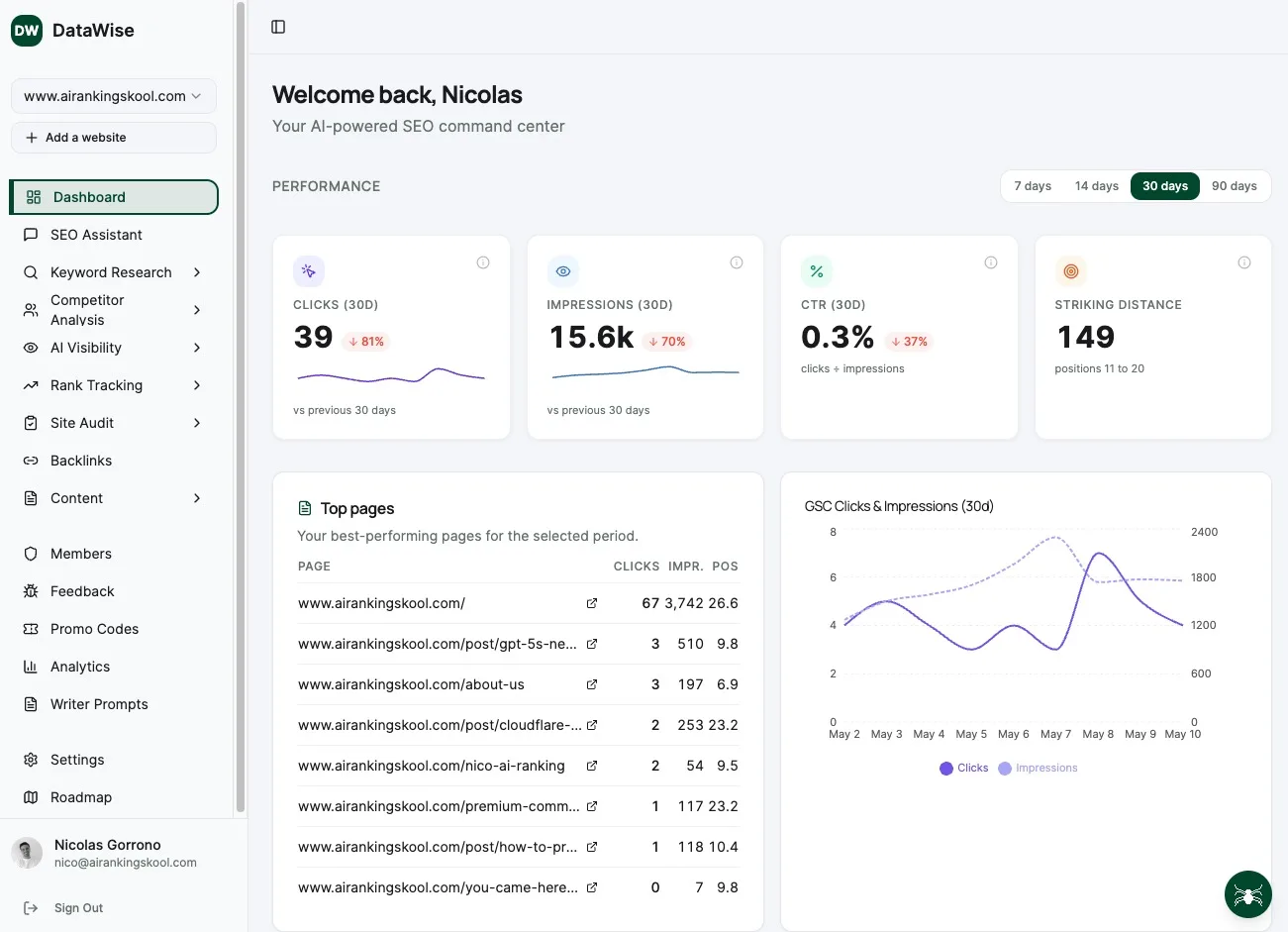
Paid suites earn their keep once you want scheduled audits and deeper backlink data. For a full comparison, see the SEO audit tools guide. Members run the whole checklist automatically with DataWise, which scores every item including the AI search group and is free for members.
For the method behind each check rather than the list itself, see the full SEO audit guide.
Work the checklist with the community
Run your audit alongside other business owners, get DataWise free, and turn your findings into shipped fixes instead of a document nobody opens. Join AI Ranking.
Learn SEO Audits hands-on inside the community
Courses, live calls and DataWise to run a full automated audit and get a prioritized fix list.